

Category: Industry Insights & Trends
Beyond the Hard Hat: The Reality of Psychological Safety on the Job

When we think about safety in construction, we usually picture hard hats, harnesses, and steel-toed boots. But just as critical—though far less visible—is psychological safety: the confidence to speak up, ask questions, and admit mistakes without fear of embarrassment or retaliation.
Crews that feel psychologically safe make fewer mistakes, communicate more clearly, and work more efficiently. It’s not about being soft—it’s about building trust and reducing stress.
Why Psychological Safety Matters
Jobsites are full of risk and pressure. Workers face high physical demands, strict schedules, and a culture that often rewards toughness over transparency. That’s a recipe for silence, and silence is dangerous.
- Mistakes go unreported until they snowball.
- Safety concerns are ignored because no one wants to challenge authority.
- New workers stay quiet rather than ask questions that could prevent errors.
Example in Action:
A framing crew was falling behind schedule, and junior team members hesitated to speak up when they spotted an issue with layout marks. When the mistake was finally caught, hours of rework were needed. The lead foreman then held daily two-minute check-ins where anyone could flag concerns anonymously via a mobile form. Productivity and morale both improved within weeks.What Psychological Safety Looks Like on Site
You don’t need a formal program to create a culture of safety and trust. Here’s what it can look like:
- Leads who welcome questions—even if they seem basic.
- Team members who aren’t afraid to say ‘I don’t know’ or ‘I need help.’
- Feedback delivered constructively, not harshly or sarcastically.
- Everyone encouraged to flag issues—regardless of title or tenure.
The Role of Leadership
Psychological safety starts at the top. Even small leadership behaviors set the tone:
- Model vulnerability: Admitting your own missteps creates permission for others to do the same.
- Reward speaking up: Praise, not punish, the person who spots an issue.
- Hold space: Start toolbox talks with space for questions or safety concerns—even if there’s silence at first.
Practical Takeaways for Sub-Trades
Looking to build more trust and reduce stress on your crew? Start with these steps:
- Ask your crew for input—often. The simple act of asking builds trust.
- Respond calmly to mistakes. What matters most is what happens next.
- Make time for quick daily check-ins—not just about work, but how people are doing.
- Create anonymous options if your crew isn’t ready to speak up in front of others.
Final Thoughts
Psychological safety isn’t about therapy or soft skills—it’s about survival, performance, and professionalism. When your crew knows they can speak honestly without backlash, the whole jobsite gets safer, faster, and stronger.
Because at the end of the day, safety isn’t just about helmets. It’s about having each other’s backs.
*Brought to you by Plexxis Software: Offering software solutions for the construction industry that integrates cloud, mobile and on-premise software to improve and enhance team performance.

Jonathan Locke
Sr. Client Implementations Leader
Share:
New From Plexxis
Green Bids: Winning More Work Through Sustainability Metrics
Beyond the Hard Hat: The Reality of Psychological Safety on the Job
Subcontractor Insurance: Are You Covered for Today’s Digital Risks?

Jobsite Layout Technology: Saving Steps, Time, and Rework
Subcontractor Insurance: Are You Covered for Today’s Digital Risks?
Subcontractor insurance used to be fairly straightforward: general liability, workers’ comp, maybe some equipment coverage. But as jobsite technology evolves—think drones, wearables, tablets, and cloud-based systems—so do the risks.
From cybersecurity threats to data breaches and drone damage, many subs don’t realize their old insurance policies may leave them exposed. Here’s what digital-era subcontractors need to know to stay protected.
New Tech, New Risk
Technology brings speed, precision, and accountability—but it also introduces new liabilities:
- Drones: A misstep with a drone could lead to property damage, privacy complaints, or bodily injury.
- Cyber threats: Cloud storage, online timesheets, and mobile apps can be hacked, exposing project data or payroll info.
- Wearable tech: Sensors that monitor worker safety may collect personal health data—raising privacy questions.
- Jobsite networks: Poorly secured Wi-Fi connections on job trailers or tablets could serve as entry points for cybercriminals.
Example in Action:
A mid-size mechanical subcontractor experienced a ransomware attack after an employee clicked a phishing link on a shared laptop. Project files, estimates, and financial records were locked. Their standard business insurance didn’t cover cyberattacks, and they had to pay out-of-pocket for recovery and remediation—over $30,000 in total losses.
What to Look For in Modern Coverage
Traditional insurance is still important, but here are a few digital-specific coverages subs should consider adding:
- Cyber liability insurance: Covers data breaches, ransomware, digital forensics, and response costs.
- Drone coverage: Many general liability policies exclude drone-related incidents—look for an endorsement or separate policy.
- Technology E&O (Errors & Omissions): Covers losses related to failure of digital tools, misconfigurations, or data issues.
- Wearables and sensor protection: Covers loss or misuse of data collected by tech devices on site.
Practical Considerations for Sub-Trades
You don’t need every add-on under the sun—but you should match your coverage to your digital footprint:
- Audit your tech: Make a list of every connected device, app, or platform your team uses.
- Talk to your broker: Many insurance pros don’t understand the construction tech space. Ask specific questions about exclusions and gaps.
- Document digital protocols: Insurers may require basic cyber hygiene like multi-factor authentication or device encryption.
Another Real-World Example:
A framing crew used a drone to inspect roof truss work on a tight downtown site. When a wind gust forced the drone into a neighboring office window, their insurance denied the claim—citing an aviation exclusion. After that, the contractor added drone-specific coverage and updated their operating procedures to avoid another blind spot.
Practical Takeaways for Sub-Trades
Want to ensure your insurance keeps up with your technology? Start here:
- Review your policy annually with a focus on tech-driven gaps.
- Add cyber coverage if you rely on cloud tools, apps, or connected jobsite devices.
- Include drone coverage if you fly for inspections, mapping, or marketing—even occasionally.
- Train your crew: Avoiding basic cyber mistakes (like bad passwords or unsecured devices) is the best first defense.
Final Thoughts
Construction technology keeps moving forward—but insurance policies don’t update themselves. Sub-trades who stay ahead of digital risk will protect more than their devices—they’ll protect their reputation, operations, and bottom line.
Because in today’s construction world, coverage isn’t just about physical accidents anymore—it’s about digital ones, too.
*Brought to you by Plexxis Software: Offering software solutions for the construction industry that integrates cloud, mobile and on-premise software to improve and enhance team performance.

Kyle Porter
Product Enhancement Leader
Share:
New From Plexxis
Green Bids: Winning More Work Through Sustainability Metrics
Beyond the Hard Hat: The Reality of Psychological Safety on the Job
Subcontractor Insurance: Are You Covered for Today’s Digital Risks?
Jobsite Layout Technology: Saving Steps, Time, and Rework
Jobsite Layout Technology: Saving Steps, Time, and Rework
Whether you’re laying out walls, plumbing, ductwork, or conduit, every step counts. Jobsite layout has always been about precision, but today’s tools are transforming it into a faster, more accurate, and less labor-intensive process.
From robotic total stations to augmented reality (AR) and tablet-based visualization, sub-trades are embracing technology not just to measure—but to work smarter. Here’s a breakdown of how layout tech is evolving, and how it’s helping subs reduce rework, speed up productivity, and deliver more confidently.
Why Traditional Layout Slows Crews Down
String lines, chalk boxes, and tape measures still have their place—but they’re slow and subject to human error. Even small layout mistakes early in the project can result in expensive rework down the line. Common problems include:
- Layout drift: Multiple trades working off separate control lines can create costly clashes.
- Rechecking and remarking: Field teams spend hours confirming measurements, especially when drawings change.
- Misinterpretation: Paper plans don’t always reflect as-built reality—leading to avoidable conflicts.
Example in Action:
A commercial mechanical contractor introduced robotic layout systems paired with tablets for field visualization. Instead of relying solely on physical plans and tape measures, layout teams could see real-time plan overlays and instantly check their work. The result: a 40% reduction in rework and nearly two days saved per floor across a high-rise project.
Modern Layout Tools Worth Exploring
These tools are gaining traction across trades—and with good reason:
- Robotic total stations: Perform automated point layout from a digital model, often operated by a single crew member.
- AR/VR visualization: Use tablets or headsets to overlay models on real-world surfaces for immediate confirmation.
- Cloud-synced drawings: Ensure teams always work from the latest plans and reduce the risk of building from outdated info.
- Laser scanning: Capture as-built conditions quickly to validate layout or prep for prefabrication.
What to Watch For
Like any tech, layout tools deliver best results when implemented with planning and training:
- Keep files organized: Digital point files and plan versions need naming discipline.
- Train field teams: Even intuitive tools require practice to master and avoid misuse.
- Validate equipment daily: Check calibration and software updates to maintain accuracy.
Practical Takeaways for Sub-Trades
Thinking of bringing layout tech into your process? Start smart:
- Pilot on a smaller project to get your field team comfortable.
- Pair tech-savvy workers with layout leads to speed up learning.
- Track rework hours before and after adoption to show ROI.
- Ask GCs or design teams about compatibility—especially for model-based layout.
Final Thoughts
Layout may happen early in the job—but its impact lasts until the final inspection. By investing in smarter, more accurate layout tools, sub-trades can save time, reduce stress, and set the tone for smoother jobs.
Because on today’s sites, fewer steps on layout means fewer steps backward later.
*Brought to you by Plexxis Software: Offering software solutions for the construction industry that integrates cloud, mobile and on-premise software to improve and enhance team performance.

Chad Pearson
Sr. Start Team Leader
Share:
New From Plexxis
Green Bids: Winning More Work Through Sustainability Metrics
Beyond the Hard Hat: The Reality of Psychological Safety on the Job
Subcontractor Insurance: Are You Covered for Today’s Digital Risks?
Jobsite Layout Technology: Saving Steps, Time, and Rework
Is Your Crew Burned Out How to Spot Jobsite Fatigue

Construction is hard work—physically, mentally, and emotionally. Long days, intense physical effort, harsh conditions, and constant deadline pressure take their toll. Over time, unchecked fatigue can grind even the best crews down, leading to mistakes, injuries, lost productivity, and higher turnover.
Spotting the early warning signs of jobsite fatigue—and knowing how to structure shifts to protect your team—is key to keeping crews safe, motivated, and productive. Here’s what to watch for and how to stay ahead of burnout.
Early Warning Signs of Jobsite Fatigue
Fatigue doesn’t always announce itself loudly. Often, the signs are subtle at first:
- Increased mistakes: Workers missing steps, redoing tasks, or making simple errors.
- Irritability or low morale: Short tempers, low energy, or a drop in team camaraderie.
- Higher absenteeism: More call-ins, tardiness, or requests to leave early.
- Physical complaints: More reports of headaches, soreness, or general exhaustion.
- Safety near-misses: Close calls that suggest slower reaction times or attention lapses.
Example in Action:
On a large retail buildout project, a subcontractor noticed a steady rise in minor punch list issues and a spike in first-aid incidents around week seven. After analyzing shift patterns, they realized crews were consistently working 10–12 hour days without recovery time. By restructuring schedules to allow for more frequent breaks and introducing rotating half-days every two weeks, productivity rebounded—and so did morale.
The Power of Smarter Shift Structuring
While the pace of the project is often set by the GC or client, sub-trades can still take steps to manage crew fatigue internally:
- Reasonable shift lengths: Whenever possible, keep shifts between 8–10 hours, especially during peak physical work phases.
- Mandatory breaks: Structured water breaks, lunch breaks, and cool-down periods prevent dangerous overexertion.
- Rotation of tasks: Mix heavy physical work with lighter duties where possible to give the body a break.
- Weekend management: Avoid stacking six- and seven-day workweeks without a clear recovery plan.
Considerations for Sub-Trades
Managing fatigue isn’t just about compassion—it’s smart business:
- Lower incident rates: Fatigued workers are significantly more likely to be involved in accidents.
- Higher quality: Alert crews make fewer mistakes and complete work faster.
- Better retention: Workers are more loyal to companies that protect their health and well-being.
Another Real-World Example:
A commercial concrete crew faced constant late-week productivity drops. After implementing a rotating ‘light duty’ Friday for part of the crew each week—handling prep work, layout checks, and equipment staging—fatigue indicators dropped and concrete finish quality actually improved, helping them finish pours faster with fewer rework issues.
Practical Takeaways for Sub-Trades
Want to stay ahead of burnout? Start here:
- Observe your crew: Watch for changes in energy, mood, and work quality.
- Adjust early: Small shift tweaks are easier than major overhauls after burnout sets in.
- Prioritize breaks: Short rest periods save more time than fixing mistakes later.
- Communicate openly: Let workers know you value their health—and want feedback if fatigue becomes a concern.
Final Thoughts
Jobsite fatigue isn’t inevitable—it’s manageable. Sub-trades that take fatigue seriously and build smarter shift structures will protect their people, sharpen their performance, and deliver better results project after project.
Because in construction, the best crews aren’t just the toughest. They’re the ones built to last.
*Brought to you by Plexxis Software: Offering software solutions for the construction industry that integrates cloud, mobile and on-premise software to improve and enhance team performance.

Fiona Locke
Share:
New From Plexxis
Green Bids: Winning More Work Through Sustainability Metrics
Beyond the Hard Hat: The Reality of Psychological Safety on the Job
Subcontractor Insurance: Are You Covered for Today’s Digital Risks?
Jobsite Layout Technology: Saving Steps, Time, and Rework
Change Order Chaos: Tech-Enabled Solutions for a Common Headache
Ask any construction professional what derails projects most often, and ‘change orders’ will be high on the list. Scope shifts, client-driven design tweaks, site surprises—no matter how well a project is planned, change is inevitable.
The problem isn’t change itself—it’s how it’s handled. Disorganized change management leads to missed documentation, delayed approvals, billing disputes, and frustrated teams. Fortunately, better processes—supported by integrated technologies—are helping sub-trades get ahead of the chaos and keep change orders from turning into profit drains.
Why Change Orders Cause So Much Pain
Change orders disrupt carefully coordinated project plans, but the real damage happens when there’s poor communication, unclear documentation, or delayed processing. Common trouble spots include:
- Missed scope details: Verbal changes that never make it into official paperwork.
- Delayed billing: Waiting weeks for sign-offs delays payment and stresses cash flow.
- Lost productivity: Crews standing idle or reworking completed areas due to untracked changes.
- Disputes and trust erosion: Misaligned expectations around pricing, timelines, or approvals.
Example in Action:
A commercial electrical contractor struggled with manual, disconnected change order processes. Sketches were captured on jobsite notebooks, pricing discussions happened over text messages, and formal approvals lagged weeks behind the work. After moving to a structured, integrated platform that tied field, office, and client approvals together in real time, change order turnaround times dropped by 40%, and billing disputes fell dramatically.Stronger Process, Better Results
The best way to beat change order chaos isn’t just adding more technology—it’s building a better, tech-enabled process:
- Capture changes immediately: Field leaders need fast, easy ways to document changes as they happen—photos, notes, sketches—before the details fade.
- Standardize review workflows: Field, office, and management should follow a clear approval path for every change.
- Centralize information: Keep all change order documentation—scope changes, pricing, approvals—linked to the original project record.
- Track in real time: Updates should flow from the field to the office (and back) seamlessly, without duplicate entry or delay.
Considerations for Sub-Trades
Improving change management isn’t just about faster billing. It builds trust with clients and protects long-term profitability:
- Transparency matters: Showing clear documentation and approval trails minimizes disputes and builds credibility.
- Speed wins: Faster processing means faster billing—and fewer cash flow headaches.
- Integration is key: Systems that connect estimating, project management, field reporting, and financials reduce rework and manual handoffs.
Another Real-World Example:
A drywall sub used to log change orders manually at the end of each day. Too often, details got lost or misunderstood. By implementing an integrated system where site supervisors logged changes immediately into mobile devices (syncing directly to the office), they caught nearly 20% more changes—and reduced their billing cycle by an average of nine days.
Practical Takeaways for Sub-Trades
Want to tame change order chaos? Start with these steps:
- Capture changes immediately, not days later.
- Use mobile-friendly tools to speed documentation from the field.
- Link approvals directly to project financials—don’t let them sit isolated.
- Standardize the process so every team member knows the drill.
Final Thoughts
Change orders aren’t going away—but change order chaos can. By combining smarter processes with integrated technology, sub-trades can protect their margins, strengthen client relationships, and turn change into a manageable (and profitable) part of the job.
Sub-trades that move faster, document better, and close the loop on approvals will be the ones who win—not just the next job, but long-term loyalty.
*Brought to you by Plexxis Software: Offering software solutions for the construction industry that integrates cloud, mobile and on-premise software to improve and enhance team performance.
Chad Pearson
Sr. Start Team Leader
Share:
New From Plexxis
Green Bids: Winning More Work Through Sustainability Metrics
Beyond the Hard Hat: The Reality of Psychological Safety on the Job
Subcontractor Insurance: Are You Covered for Today’s Digital Risks?
Jobsite Layout Technology: Saving Steps, Time, and Rework
From Paper to Platform: Digitizing Daily Logs and Checklists
Clipboards, crumpled checklists, and scribbled daily logs have been a jobsite staple for decades. But in today’s construction world, where speed, accuracy, and documentation are more critical than ever, more subs are trading paper for digital platforms—and reaping the rewards.
Apps for daily logs, inspections, and checklists aren’t just making life easier. They’re helping crews work smarter, avoid rework, and protect themselves against disputes. But going digital also brings new challenges that trades need to consider before making the switch. Here’s a practical look at what’s driving the shift—and what to keep in mind.
Why Digitize Daily Logs and Checklists?
Paper may be familiar, but it’s slow, error-prone, and easily lost. Digital tools bring key advantages:
- Speed: Enter data once, instantly share with teams and offices.
- Accuracy: Templates reduce missed fields and sloppy handwriting errors.
- Real-time updates: Changes made in the field show up instantly for project managers or clients.
- Better protection: Clear digital records help defend against disputes over delays, damage, or safety compliance.
Example in Action:
A concrete subcontractor switched to a mobile app for daily work logs and pour checklists. With prebuilt templates and auto-sync to the office, they reduced errors by 40% and cut reporting time by nearly two hours per week, per foreman. Over the course of a year, the time saved paid for the entire software investment several times over.
Strengths of Going Digital
When implemented well, digital logging delivers practical wins:
- Faster issue resolution: Photos, timestamps, and field notes captured digitally create a clear chain of events.
- Easier tracking: Safety inspections, equipment checks, and daily progress reports stay organized and accessible.
- Remote visibility: Project managers and owners can monitor field conditions without visiting the site every day.
Considerations for Sub-Trades
Going digital sounds great—but there are a few realities to keep in mind:
- Training matters: Even simple apps need onboarding time to get crews comfortable.
- Data discipline: Daily use is critical—skipped entries or partial checklists hurt accuracy and trust.
- Device management: Tablets and smartphones must be rugged enough for the field, with reliable internet connections.
Another Real-World Example:
An electrical contractor rolled out a mobile checklist platform but didn’t properly train field leads. Early reports were incomplete, and some foremen reverted to old paper habits. After holding short retraining sessions and providing mobile hot spots for poor-signal areas, adoption improved—and checklist completion rates jumped by 30%.
Practical Takeaways for Sub-Trades
Thinking about digitizing your logs and checklists? Here’s how to do it smartly:
- Start with one workflow: Pilot daily logs or safety checklists first before expanding to everything at once.
- Pick user-friendly tools: Simpler apps beat feature-packed ones if it means higher adoption rates.
- Support your field teams: Make sure devices are reliable and help troubleshoot early issues quickly.
- Celebrate wins: Highlight time saved, rework avoided, or inspection successes to build crew buy-in.
Final Thoughts
The future of construction paperwork isn’t paper at all. It’s mobile, real-time, and smarter.
Sub-trades that embrace digital platforms for logging and checklist management will save time, protect themselves better, and build stronger partnerships with GCs and clients alike. In a market where details matter more than ever, clean digital records aren’t just a bonus—they’re a must-have.
*Brought to you by Plexxis Software: Offering software solutions for the construction industry that integrates cloud, mobile and on-premise software to improve and enhance team performance.

Jeni Fraser
Sr. Client Services Leader
Share:
New From Plexxis
Green Bids: Winning More Work Through Sustainability Metrics
Beyond the Hard Hat: The Reality of Psychological Safety on the Job
Subcontractor Insurance: Are You Covered for Today’s Digital Risks?
Jobsite Layout Technology: Saving Steps, Time, and Rework
Construction Blockchain: Coming Soon to Your Pay App?
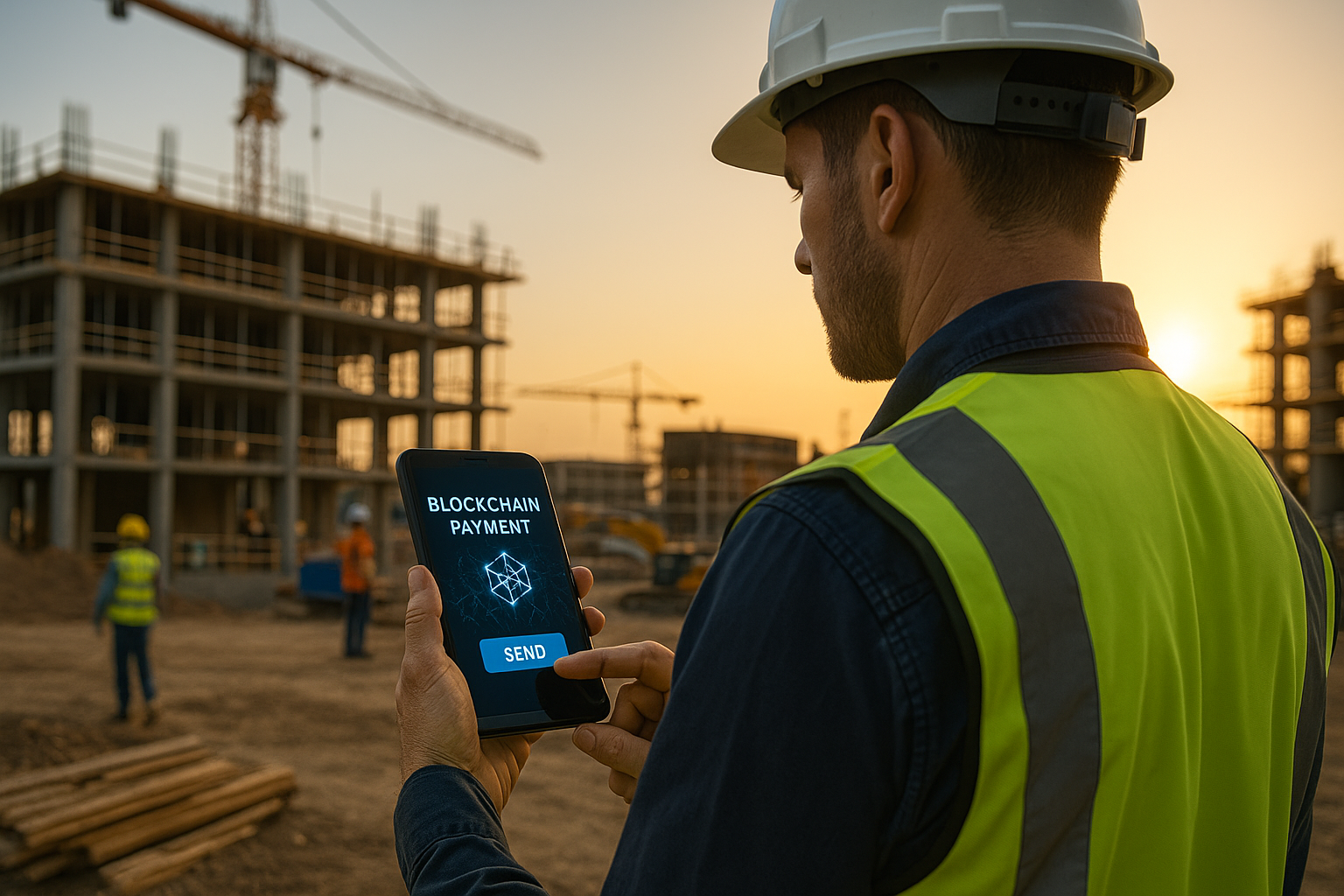
Ask any sub-trade about their biggest headaches, and getting paid on time is sure to be near the top of the list. Delays, unclear approvals, and drawn-out paperwork make cash flow a constant challenge. But change might be on the horizon—and it’s coming from a technology many people still associate only with cryptocurrency: blockchain.
No, this isn’t about Bitcoin. It’s about using decentralized digital systems to track work, verify progress, and speed up payments between trades, GCs, and owners. Let’s break down what blockchain could mean for sub-trades—and why it’s closer than you might think.
What is Blockchain (and Why Should Subs Care)?
Blockchain is a secure, shared digital ledger that records transactions in a way that’s extremely difficult to alter retroactively. Instead of trusting a single recordkeeper, all parties involved—GCs, owners, trades—can see and verify the same version of project events in real-time.
In construction, blockchain could be used to log work completion, change orders, inspections, and payment milestones automatically, reducing disputes and cutting down the time between finishing work and getting paid.
Example in Action:
In Australia, a pilot project used blockchain smart contracts to manage payments between contractors and subs on a commercial development. Payments were automatically triggered once work milestones were verified and recorded. The results? Faster payouts, fewer disputes, and significantly reduced administrative overhead.Strengths of Blockchain for Construction Payments
Used properly, blockchain offers real advantages for payment processing:
- Faster payments: Automated milestone verification can release funds without layers of manual approvals.
- Transparency: Everyone sees the same project records and payment triggers, reducing confusion and mistrust.
- Reduced disputes: Clear, immutable records make it harder for misunderstandings or disagreements to derail projects.
- Stronger trade-GC trust: Visibility builds better working relationships and smooths future project collaboration.
Considerations for Sub-Trades
Blockchain isn’t a magic bullet, and there are important realities to be aware of:
- Adoption speed: Blockchain only works if all key players on a project agree to use it.
- Setup complexity: Smart contracts must be carefully written to match project realities and milestones.
- Technology gap: Some firms (especially smaller ones) may need help getting comfortable with the new systems.
Another Real-World Example:
A U.S.-based infrastructure project experimented with blockchain payment verification for subcontractors. While it improved transparency and payout speeds, it initially struggled because some project owners and inspectors were reluctant to embrace the new platform. Once all parties were properly trained, adoption—and benefits—improved significantly.
Practical Takeaways for Sub-Trades
Curious about blockchain’s future role in your pay process? Here’s how to prepare:
- Stay informed: Watch for pilot projects and industry news about blockchain payment initiatives.
- Build strong documentation habits: Good recordkeeping will remain crucial even with digital verification.
- Be ready to adapt: Sub-trades that embrace new verification models early may gain advantages in winning future work.
- Ask smart questions: If a GC proposes blockchain-based payments, make sure you understand exactly how approvals, triggers, and dispute handling will work.
Final Thoughts
Blockchain might sound futuristic—but for construction, it could solve some of the oldest, most frustrating problems on the jobsite. Faster payments. Fewer disputes. Stronger trust.
The technology is still evolving, but smart sub-trades will be ready. Because the future of construction isn’t just about building walls—it’s about building better ways to work together.
*Brought to you by Plexxis Software: Offering software solutions for the construction industry that integrates cloud, mobile and on-premise software to improve and enhance team performance.
Jonathan Locke
Sr. Client Implementations Leader
Share:
New From Plexxis
Green Bids: Winning More Work Through Sustainability Metrics
Beyond the Hard Hat: The Reality of Psychological Safety on the Job
Subcontractor Insurance: Are You Covered for Today’s Digital Risks?
Jobsite Layout Technology: Saving Steps, Time, and Rework
Dust, Noise, and Vibration: Are You Monitoring the Invisible Risks?

On a construction site, it’s easy to spot obvious hazards—moving equipment, open edges, swinging loads. But some of the most dangerous risks are the ones you can’t see at all: airborne dust, excessive noise, and ground vibrations.
As jobsite standards evolve and client expectations rise, monitoring these invisible risks is becoming essential. It’s not just about compliance—it’s about protecting crews, projects, and your bottom line. Here’s a closer look at why it matters and how sub-trades are stepping up their game.
Why Invisible Risks Deserve Attention
Dust, noise, and vibration might not grab headlines, but they have real, lasting impacts:
- Dust inhalation: Fine particles, especially silica dust, can cause serious respiratory diseases over time.
- Noise exposure: Repeated high-decibel exposure damages hearing slowly—and permanently.
- Ground vibration: Heavy equipment can damage adjacent structures or compromise site safety.
New regulations—and growing client demands—are pushing contractors to prove they’re taking these risks seriously with real monitoring and proactive controls.
Example in Action:
A commercial subcontractor on a downtown high-rise project used portable dust and noise sensors throughout the site. Not only did it help them meet environmental reporting standards, but they also caught and corrected issues before neighbors complained or inspectors flagged violations—saving thousands in potential fines and project delays.
Strengths of Using Environmental Sensors
Today’s monitoring options make it easier than ever to stay compliant and proactive:
- Real-time alerts: Sensors can notify supervisors immediately if thresholds are crossed.
- Data logs: Continuous readings allow you to prove compliance over time—not just hope inspections go well.
- Worker protection: Addressing risks early improves health outcomes and morale.
- Client confidence: Proactive monitoring shows professionalism and commitment to safety.
What to Watch For
Monitoring brings value, but only if it’s done smartly:
- Choose rugged gear: Jobsite conditions are tough; your sensors need to survive dust, rain, and vibration.
- Train your team: Make sure field leaders understand how to respond to alerts and interpret the data.
- Stay proactive: Monitoring only helps if you’re ready to act quickly when thresholds are exceeded.
Another Real-World Example:
A civil contractor on a bridge project installed vibration monitors near neighboring structures. Early readings flagged potentially damaging ground shifts. By adjusting equipment use and work hours, they prevented complaints, avoided insurance claims, and strengthened client trust.
Practical Takeaways for Sub-Trades
Want to stay ahead of invisible jobsite risks? Here’s how to start:
- Pick your priority: Focus first on your biggest exposure—whether it’s dust, noise, or vibration.
- Start small: Pilot with a few portable monitors before expanding sitewide.
- Set clear action plans: Everyone should know what happens if an alert goes off.
- Document your efforts: Keep simple records of readings and corrective actions for compliance protection.
Final Thoughts
You can’t fix what you can’t see—or hear or feel. But with affordable sensors and smart planning, invisible risks can be brought under control before they cost you money, hurt your crew, or damage your reputation.
Monitoring dust, noise, and vibration isn’t just good compliance—it’s good business.
*Brought to you by Plexxis Software: Offering software solutions for the construction industry that integrates cloud, mobile and on-premise software to improve and enhance team performance.
Kyle Porter
Product Enhancement Leader
Share:
New From Plexxis
Green Bids: Winning More Work Through Sustainability Metrics
Beyond the Hard Hat: The Reality of Psychological Safety on the Job
Subcontractor Insurance: Are You Covered for Today’s Digital Risks?
Jobsite Layout Technology: Saving Steps, Time, and Rework
AI-Powered Estimates: How Accurate Are They, Really?
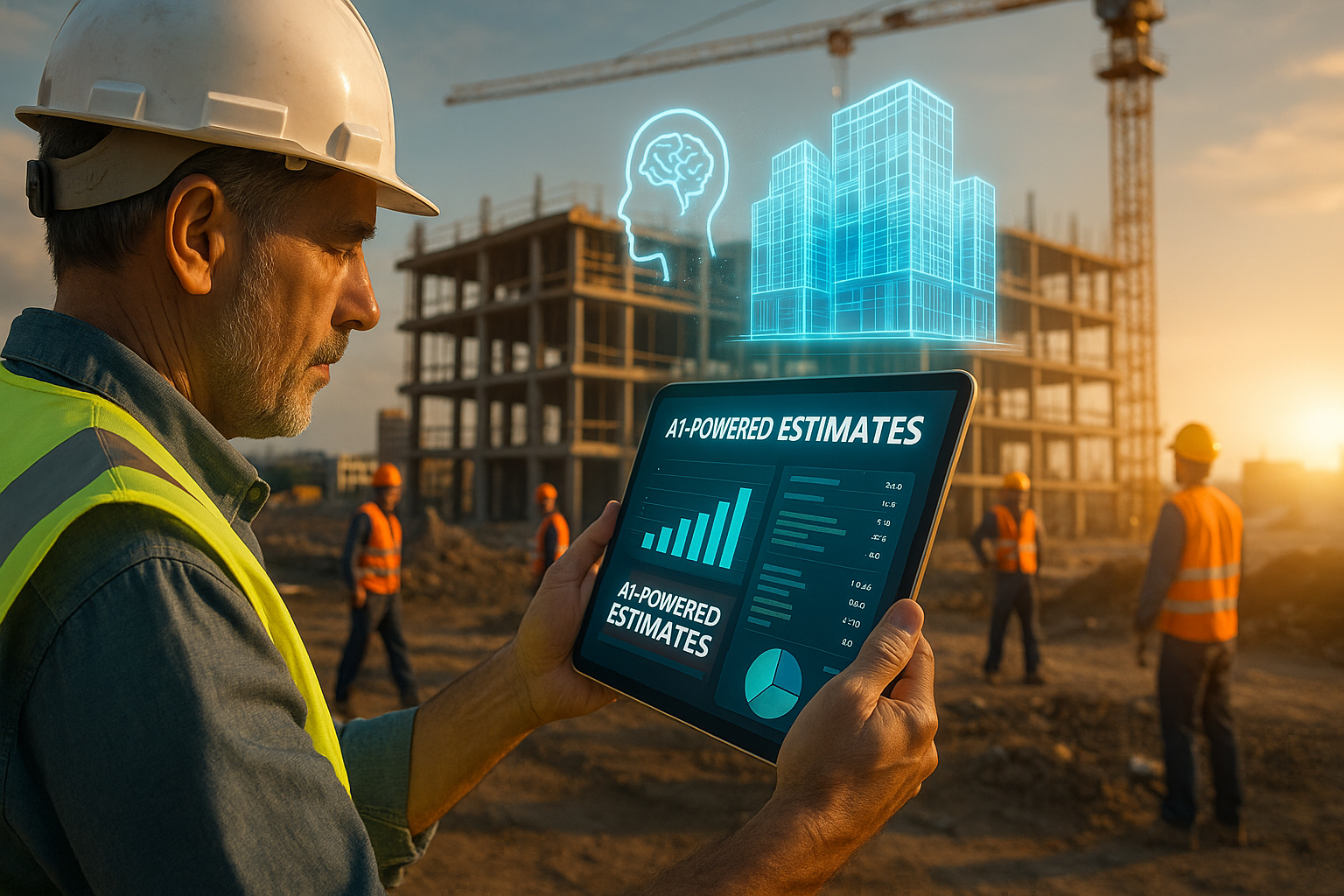
In the race to win more bids with less overhead, AI-powered estimating tools are getting a lot of attention. Promising faster takeoffs, fewer errors, and better consistency, they sound almost too good to pass up. But how accurate are they really—and what should subs be watching for before putting too much trust in automated estimates?
Let’s cut through the hype and take a practical look at where AI estimating shines, where it struggles, and what sub-trades need to consider when adding these tools to their workflow. Because when it comes to estimating, even small errors can quickly snowball into big losses.
How AI Estimating Works
Most AI estimators work by analyzing historical project data, plan sets, and cost databases to predict quantities, pricing, and potential risks. Some use machine learning to get ‘smarter’ over time, refining their outputs based on corrections and feedback. Others use visual recognition software to scan plans automatically and pull quantities or measurements without human input.
In simple terms, AI is trying to spot patterns and automate what human estimators would normally do manually—but much faster. However, speed doesn’t always mean accuracy, especially when project details get complex.
Example in Action:
A framing subcontractor tested an AI-powered estimating platform across a series of mid-rise apartment builds. For straightforward floorplans with typical materials, AI estimates were within 5% of human-generated numbers. But when it came to custom staircases, sloped framing, and intricate design features, the system missed critical labor factors, leading to cost variances of 12–15% on more complex areas.
In another case, a mechanical subcontractor using AI for HVAC installs found that while equipment lists were spot-on, the tool underestimated the time required for site-specific challenges like ceiling congestion and tight access spaces, which pushed project labor budgets over by nearly 10%.
Strengths of AI-Powered Estimating
When used correctly, AI estimating offers real benefits:
- Speed: Generating a preliminary estimate can take hours instead of days, allowing more bids to be submitted without overloading teams.
- Consistency: Reduces human error and variability between different estimators, especially on repetitive project types.
- Volume: Enables companies to pursue smaller or faster-turnaround projects that might otherwise be skipped.
- Pattern recognition: Helps spot missing quantities, unusual pricing, or gaps that might be overlooked during manual takeoffs.
Limitations and Pitfalls
Despite the advantages, AI estimating isn’t foolproof, and there are real risks if not approached carefully:
- Garbage in, garbage out: AI tools are only as good as the data they’re trained on. Bad historical data means bad outputs.
- Limited judgment: AI struggles with jobsite-specific nuances, such as tricky access routes, poor weather impacts, or unusual materials.
- Overconfidence: It’s easy to assume AI estimates are accurate just because they look polished. Without human review, critical errors can sneak through.
- Licensing limitations: Some platforms limit the number of users or features unless you pay for upgrades, adding hidden costs.
Practical Takeaways for Sub-Trades
Thinking about adopting AI estimation? Here’s how to approach it smartly:
- Use AI as a first pass: Let it generate a draft, but have an experienced estimator fine-tune the final numbers before submission.
- Test and validate: Run AI-generated estimates against known past projects to check accuracy and learn where manual adjustments are needed.
- Invest in data quality: Organize and update your project history. The better your internal data, the better your AI output will be.
- Train your team: Estimators should understand both the capabilities and the limits of AI tools, rather than blindly trusting the outputs.
- Know when to override: On unique, custom, or highly complex projects, human expertise must always take the lead.
Final Thoughts
AI-powered estimating tools are powerful—but they’re not perfect. They’re best seen as a force multiplier for skilled estimators, not a substitute for real-world experience. Used wisely, AI can speed up the bidding process, sharpen pricing accuracy, and free up human estimators to focus on complex problem-solving rather than repetitive tasks.
Sub-trades who treat AI estimating as a partner rather than a replacement will position themselves to win more work, protect their profits, and avoid the costly mistakes that can come from over relying on automation. The future of estimating isn’t about man versus machine—it’s about using both together, smartly.
*Brought to you by Plexxis Software: Offering software solutions for the construction industry that integrates cloud, mobile and on-premise software to improve and enhance team performance.
Chad Pearson
Sr. Start Team Leader
Share:
New From Plexxis
Green Bids: Winning More Work Through Sustainability Metrics
Beyond the Hard Hat: The Reality of Psychological Safety on the Job
Subcontractor Insurance: Are You Covered for Today’s Digital Risks?